Pxch Meeting Setup Guide
Create professional recurring meetings for your networking group
Sign Up for Pxch TodayWhy Use Pxch for Your Networking Group?
Pxch provides professional video conferencing with features designed specifically for business networking and recurring meetings.
Step-by-Step Setup Guide
Follow these simple steps to create your recurring networking meeting on Pxch.
Schedule a Meeting
After logging into your Pxch account, click on the "Schedule Meeting" button to begin creating your networking group meeting.
Configure Your Meeting Details
Fill out the meeting setup form with your networking group information:
- Topic / Title: Use a descriptive name like "John Davin's Referral Network Group for Zip Code 63011"
- Description: Explain the purpose and format of your meetings
- Date and Time: Choose your first meeting date and time
- Duration: Select meeting length (30 minutes to 2 hours typical)
- Time Zone: Confirm your correct time zone
Enable Recurring Meeting
This is the most important step! Check the "Recurring Meeting" box to make your meeting repeat automatically.
Important:
Make sure to check the "Recurring Meeting" checkbox. This creates one consistent meeting link that your members can save and use for every meeting.
Without this option, you would need to create a new meeting link each time, which is inconvenient for regular networking groups.
Configure Additional Settings
Meeting ID Options:
- Generate automatic Link: Recommended for most groups - Pxch creates a unique, easy-to-remember link
- Use my personal link: Use your branded Pxch link (Note: Cannot be changed after creation)
More Settings:
- Waiting Room: Enable this so only you can admit participants - maintains control over your meetings
- Broadcast this meeting: Optional - stream to Facebook Live or YouTube if you want to share your meetings publicly
Save & Share Your Meeting Link
After saving your meeting, Pxch will provide you with:
- A permanent meeting link for your group
- Meeting ID and password (if enabled)
- Calendar invitation to send to members
Next Steps:
- 1.Share the meeting link with your networking group members
- 2.Send calendar invitations so members can add it to their schedules
- 3.Update your group page on Referral Network USA with the meeting details
- 4.Test the meeting link before your first session
Your Meeting is Ready!
Once you complete the setup, Pxch will provide you with everything you need to share with your group members.
What You'll Receive
- Meeting Participant Link: A permanent URL that your group members can save and use for every meeting
- Meeting ID: A unique identifier for your recurring meeting
- Copy Link & Copy Invite: Quick buttons to share the meeting details with your network
- Calendar Integration: Your recurring meetings will appear in your Pxch calendar for easy access
Managing Your Recurring Meeting
From your Pxch dashboard, you can access your recurring meeting anytime. You'll be able to:
- Start the meeting at scheduled times
- Share the invite with new members
- View meeting details and recurrence schedule
- Edit meeting settings or delete if needed
The best software to use for your Referral Networking Group:
(sign up here, and join our free classes!)
Sign Up for Pxch Today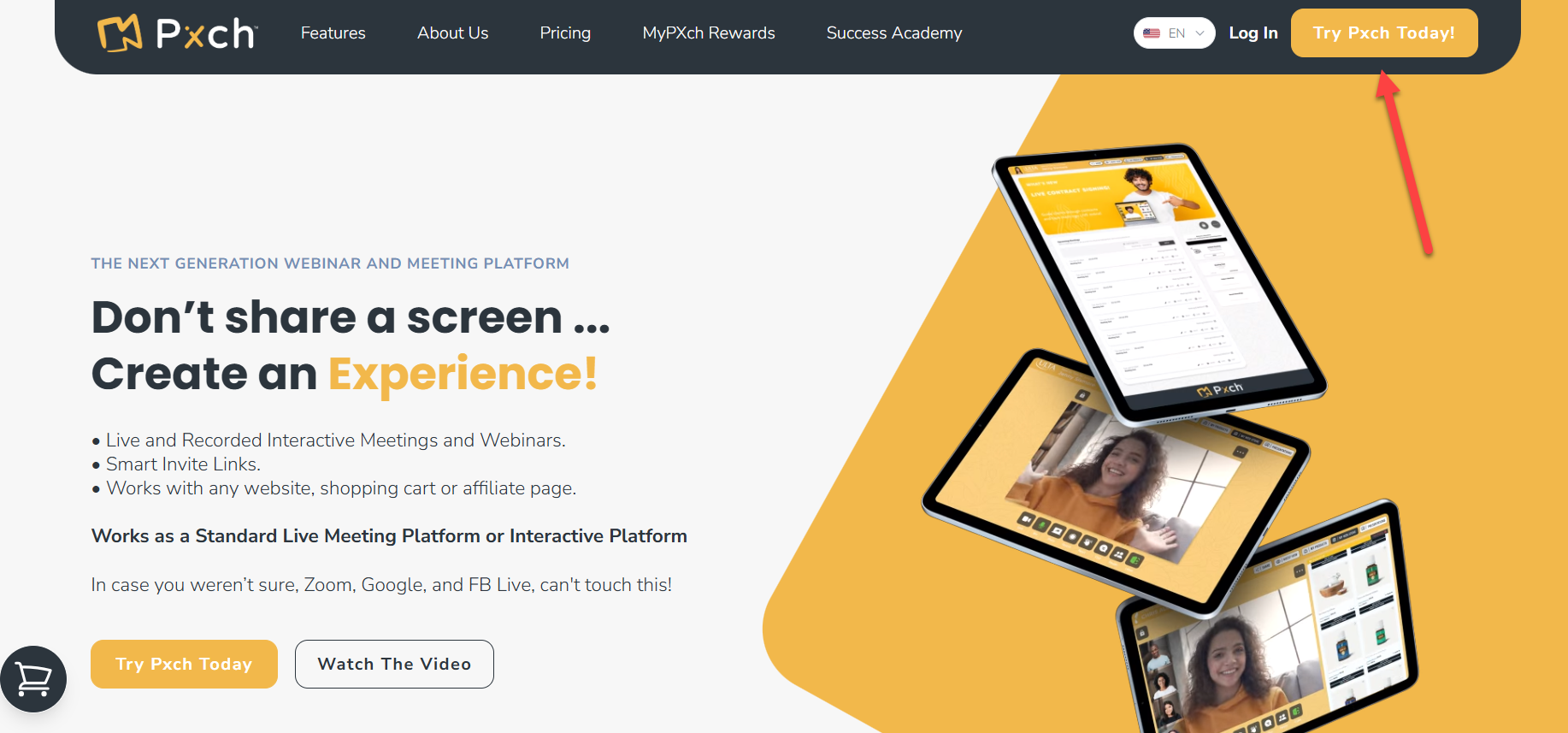
Screenshot: Pxch Schedule Meeting Interface
Screenshot: Pxch Meeting Setup Configuration
Then make it a recurring event every week, at the same time, and use the links and invitation provided for your new Referral Network Group!
Complete Setup Manual Coming Soon
We will be sending you a complete manual on how to start your Referral Networking Group using this software after you create a listing. It will be in your dashboard as a downloadable PDF!
Running Successful Networking Meetings
Once your meeting is set up, follow these best practices to create valuable experiences for your members.
Best Practices
- Start on time: Show respect for members' schedules by beginning promptly
- Give everyone a chance to speak: Allow each member time to share their business and give/receive referrals
- Keep a consistent schedule: Meet regularly (weekly or bi-weekly) to build strong relationships
- Share the directory: After each meeting, remind members to share the group's trusted business list with their networks
Ready to Start Your Networking Group?
Sign up for Pxch today and create your first meeting in minutes.
More detailed video tutorials coming soon!
Have questions about setting up Pxch? Contact us through your Referral Network USA dashboard.